Running multi-cloud day-to-day means provisioning infrastructure, tracking costs, enforcing policies, and recovering data when something breaks. We compared 20+ multi-cloud management platforms across those exact workflows to see which ones actually deliver. The best multi-cloud solutions cover all four workflows; most multi-cloud platforms lead on one and lean on integrations for the rest.
9 best multi-cloud management platforms: Quick comparison
How we evaluated these platforms
We evaluated these platforms by looking at how they perform across the workflows that matter most in multi-cloud environments: provisioning, cost visibility, policy enforcement, security, and backup management. Multi-cloud management tools are sold under several labels, from cloud management software to cost platforms and governance suites, so we scored capability rather than category.
We ranked these platforms by reviewing:
- Core functions: Whether each tool actually does its job well (orchestration, cost tracking, provisioning, security scanning, or backup management)
- Usability: How quickly you can get value without weeks of setup or documentation digging
- Integrations: How cleanly it connects to cloud providers and DevOps tools teams already use
- Pricing: The real value from free tiers vs. paid plans, and pricing transparency
- Use cases and reviews: How it performs in scenarios like audits, cost reviews, incident recovery, and migrations
1. Eon: Best for multi-cloud backup visibility and recovery

What it does: Automates backup posture management across AWS, Azure, and Google Cloud, and converts backup data into a managed data lake in open formats, making it directly usable for analytics, compliance, and AI workflows. Poor backup visibility costs you twice: once in recovery risk, and again in data your team can't access.
Best for: Cloud-first teams that need to know what’s protected and recover specific data fast.
Eon centralizes backup coverage across accounts, regions, and cloud providers, giving you a clear view of what’s protected without relying on fragmented native tools. It flags gaps automatically and lets you query and recover specific data without full restores.
Eon also converts backup data into a managed data lake in open formats, making it directly usable for analytics, compliance, and AI workflows. Poor backup visibility costs you twice: once in recovery risk, and again in data your team can't access.
Key features
- Cloud backup posture management (CBPM): Eon coined the term and defines it as a category. It automatically discovers resources across accounts and regions, then applies backup policies based on data type. Flags gaps and policy drift without manual tagging.
- Granular recovery: Restore individual files, records, or tables without spinning up full environments. Cuts recovery time and compute overhead.
- Queryable backup data: Backup data is stored in open formats (Parquet, Iceberg) and can be queried directly via Snowflake, BigQuery, Databricks, or Redshift—no restore or ETL required. Eon also exposes data via MCP and A2A connectors for agentic AI workflows.
- Ransomware protection: Detects ransomware across VMs, object storage, and managed databases (including RDS, Aurora, Cloud SQL) using logical detection inside databases—not just file-level scanning. Identifies clean recovery points and enables surgical recovery of only what was affected.
- Air-gapped, immutable vault: Backups are stored in a logically isolated, Eon-managed account with immutable storage. Production credentials can't access or modify backup data, which is a real differentiator vs. native cloud backup tools.
- Cost control: Typically reduces backup storage costs by 30-50% compared to native tools through cloud-native deduplication and centralized retention policies.
Pros
- ✅ Clear visibility into what’s protected across all cloud environments
- ✅ Recovery works at a granular level, not just full snapshots
- ✅ No agents or infrastructure changes required
- ✅ Backup data becomes usable for audits, analytics, and AI workflows
Cons
- ❌Primarily cloud-focused, with limited on-prem support in some scenarios
- ❌ Best fit for teams that see backup as more than insurance. If you only need basic protection, the broader data and AI capabilities may be more than you need.
What users say
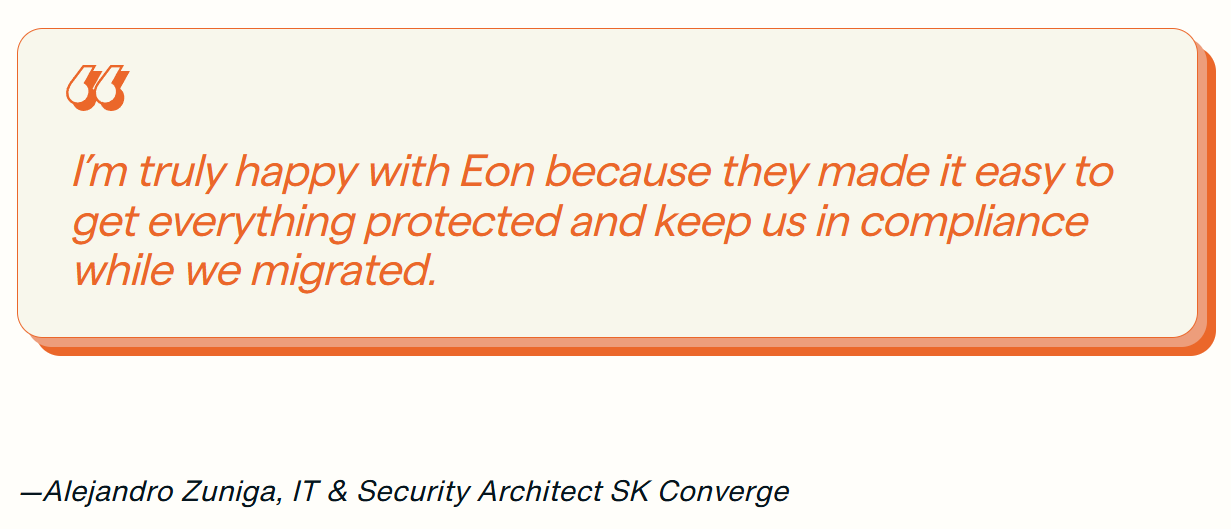
“They made it easy to get everything protected” — Alejandro Zuniga, IT & Security Architect at SK Converge, Eon Case Study
Pricing
Usage-based pricing on a per-GB/month basis with flexible spending commitments. No complicated pricing or fine print, and no hidden costs. Available via AWS Marketplace.
Bottom line
Choose Eon if you need visibility and control over backup across multiple clouds, especially when recovery speed and precision matter. Skip it if your environment is single-cloud or heavily on-prem. For the recovery side of that, see our guide to multi-cloud disaster recovery.
2. CloudBolt: Best for hybrid cloud governance and self-service
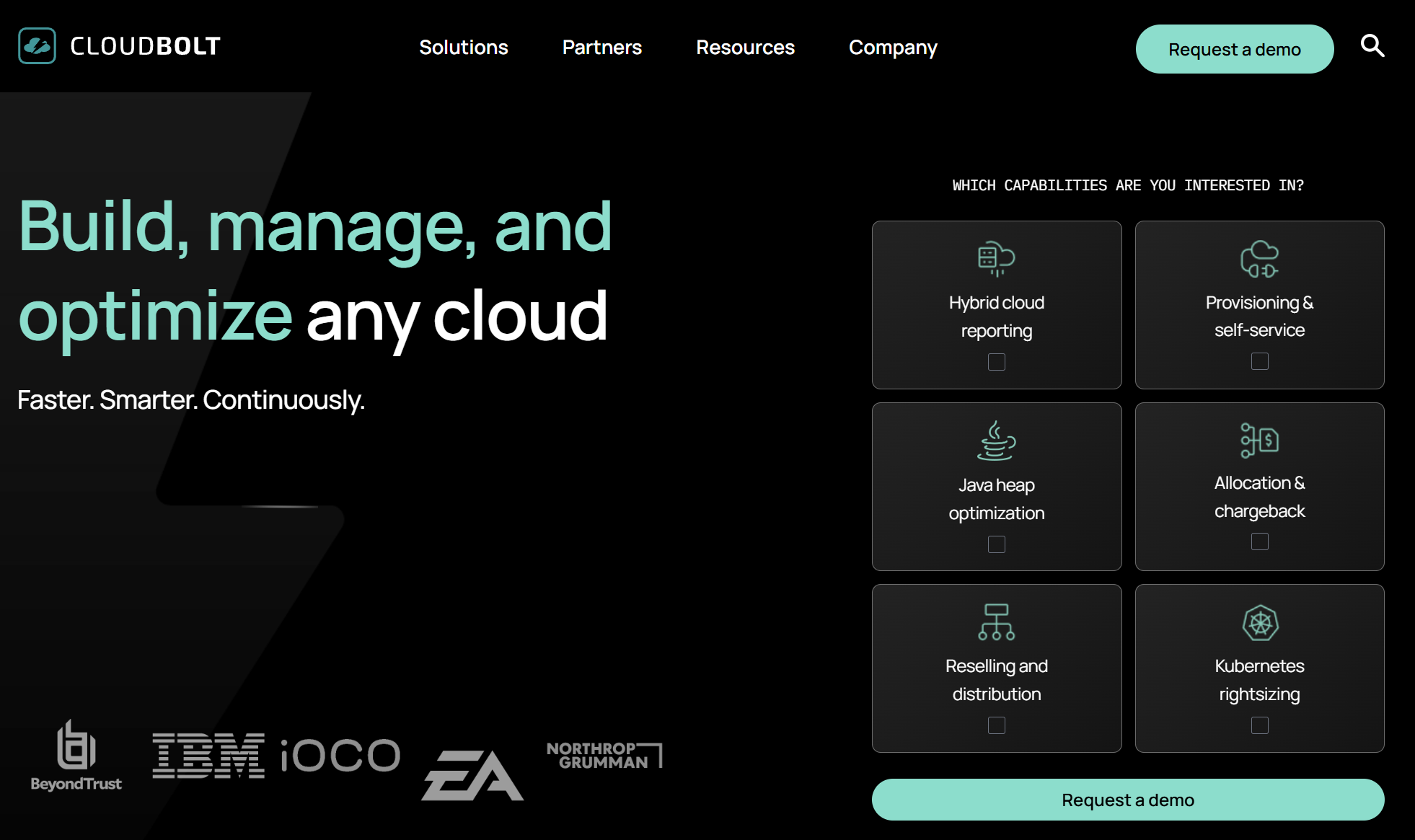
What it does: Combines self-service provisioning, orchestration, and FinOps across AWS, Azure, GCP, and VMware.
Best for: Enterprises with hybrid environments (on-prem + multi-cloud) that need centralized governance and self-service provisioning for development teams.
CloudBolt's strength is the blueprint-driven self-service catalog. Developers request and deploy resources through a portal similar to a native cloud console, while governance rules automatically enforce quotas, approvals, and compliance.
Key features
- Policy-as-code guardrails: Automated compliance checks and budget boundaries enforced before any resource gets provisioned.
- Self-service catalog: Blueprint-driven provisioning with approval workflows across AWS, Azure, GCP, and VMware from one portal.
- FinOps capabilities: AI-assisted anomaly detection, cost allocation, and rightsizing recommendations.
- 200+ plug-ins and integrations: ServiceNow, Terraform, CloudFormation, Bicep, container orchestrators, and DevOps tools.
Pros
- ✅ Self-service provisioning cuts request times from days to minutes
- ✅ Handles both on-prem VMware and multi-cloud equally well
- ✅ Python-based extensibility for custom provisioning actions
Cons
- ❌ Designed for hybrid enterprise environments, so cloud-only teams may not need the full feature set
- ❌ Requires upfront configuration investment before teams see the full value
- ❌ Focused on governance and provisioning, doesn't cover security or backup
What users say

“The platform provides a centralized and intuitive interface for managing multi-cloud env” — Cloud Automation Engineer, Gartner Peer Insights
Pricing
Custom enterprise pricing, no public rate card. Third-party estimates put typical contracts in the mid-to-high five figures annually. Free trial available on AWS Marketplace.
Bottom line
CloudBolt is for enterprises juggling on-prem VMware alongside multi-cloud that need a single governance layer across both. If you're cloud-only with no VMware investment, it may be heavier than you need. It also doesn't cover backup or data protection, so you'd pair it with a tool like Eon for that layer.
3. Scalr: Best for Terraform governance across clouds
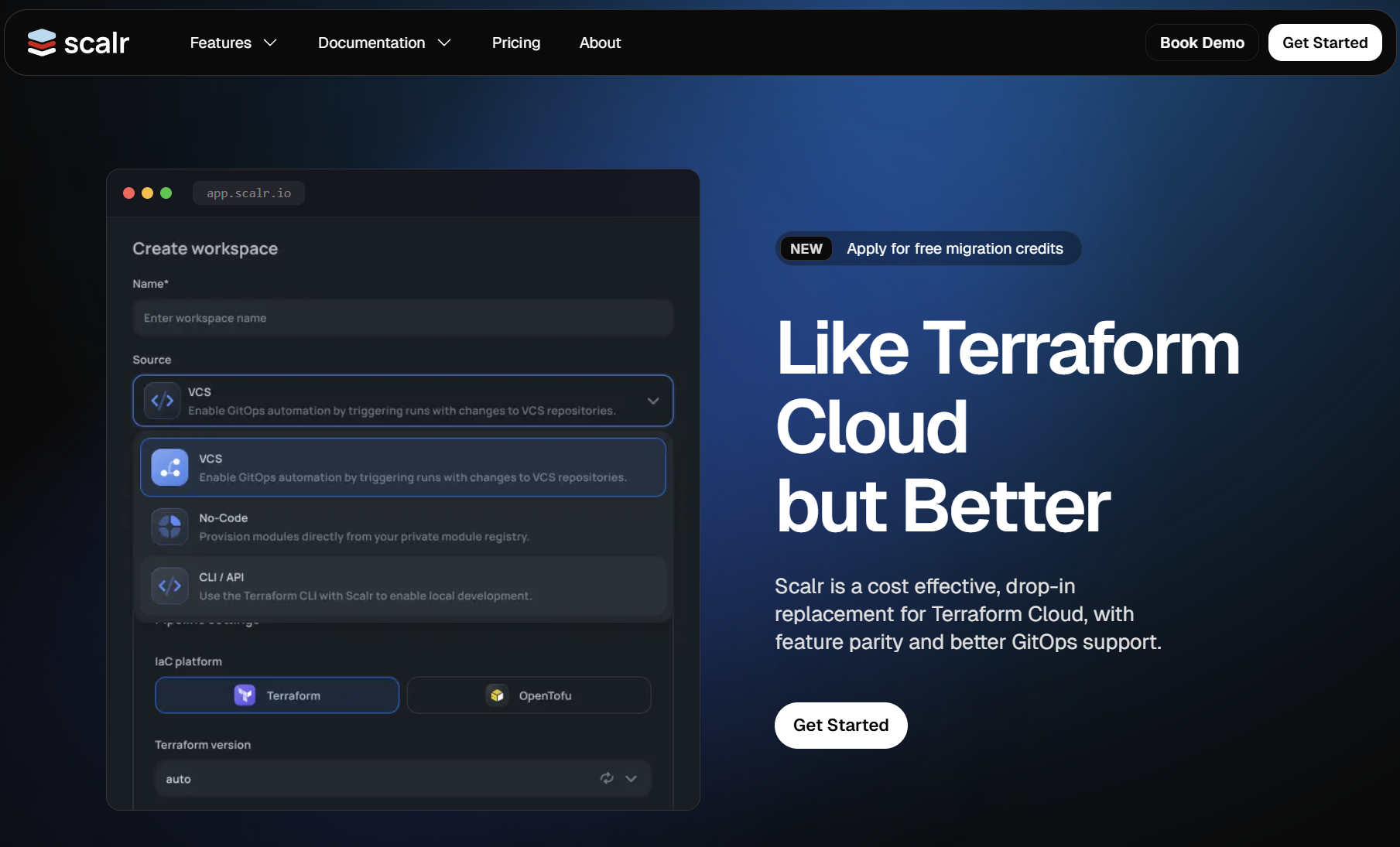
What it does: Adds governance, policy enforcement, and cost controls on top of Terraform workflows.
Best for: Platform engineering teams running Terraform at scale who need centralized guardrails without slowing down developer workflows.
Scalr adds a governance layer on top of Terraform and OpenTofu, enforcing policies, cost controls, and workflows without changing how teams write infrastructure code. The Open Policy Agent (OPA) integration checks every Terraform run against your rules before it touches infrastructure.
Key features
- OPA policy enforcement: Every Terraform plan gets evaluated against organizational rules before being applied.
- Cost estimation before deployment: See the projected cost impact before infrastructure is created.
- Self-service for developers: Teams deploy within guardrails without needing the platform team for every change.
Pros
- ✅ Pre-deployment policy checks prevent costly mistakes before infrastructure gets created.
- ✅ Maintains developer velocity with guardrails instead of manual approvals
- ✅ Works with Terraform and OpenTofu without requiring workflow changes
Cons
- ❌ Built specifically for Terraform and OpenTofu, so teams not using IaC won't benefit
- ❌ Doesn’t cover cost visibility, security, or backup, so you need additional tools
- ❌ Best suited for teams with multiple developers writing Terraform across clouds
What users say

"You can create your custom policies and you can build a compliant environment via automating the policies" — Product Manager, Gartner Peer Insights
Pricing
Run-based pricing: you pay per Terraform/OpenTofu apply or plan. Free tier includes 50 runs/month with all features.
Paid plans start at around $99/month for 1,000 runs, with volume discounts at scale. Enterprise tier available on request.
Bottom line
If your team runs Terraform across multiple clouds and governance is the bottleneck, Scalr is a focused solution that does one thing well. It won't help with cost management, security, or backup. Those need separate tools.
4. CloudHealth by Broadcom: Best for container cost attribution across clouds

What it does: Tracks and attributes cloud spend across AWS, Azure, and GCP, with deep visibility into Kubernetes costs at the container and workload level.
Best for: Enterprises running Kubernetes across multiple clouds that need granular cost attribution beyond the instance or cluster level.
CloudHealth stands out when cost visibility breaks down in Kubernetes environments. Instead of stopping at the instance level like most FinOps tools do, it lets teams tie spend directly to workloads, making cost allocation and accountability much easier across multi-cloud setups.
Key features
- Kubernetes cost allocation. Assign cost to containers, namespaces, and workloads rather than only to instances.
- Budgets and forecasting. Set spend thresholds, get alerted before overruns, and model future costs.
- Rightsizing and reservation management. Continuous recommendations to reduce waste and optimize reserved instance usage.
- Anomaly detection. Automated detection of unusual spend patterns and fast drill-down to root causes.
- Integrations. Connects to cloud providers, container platforms, and common governance tools for cross-platform visibility.
Pros
- ✅ Container-level cost attribution shows exactly which workloads drive spend
- ✅ Strong budgeting, forecasting, and rightsizing capabilities for FinOps teams
- ✅ Mature integrations across cloud providers and enterprise tooling
Cons
- ❌ Focused on cost management and FinOps, doesn't cover provisioning, security, or backup
- ❌ Kubernetes cost allocation setup requires some configuration investment at scale
What users say
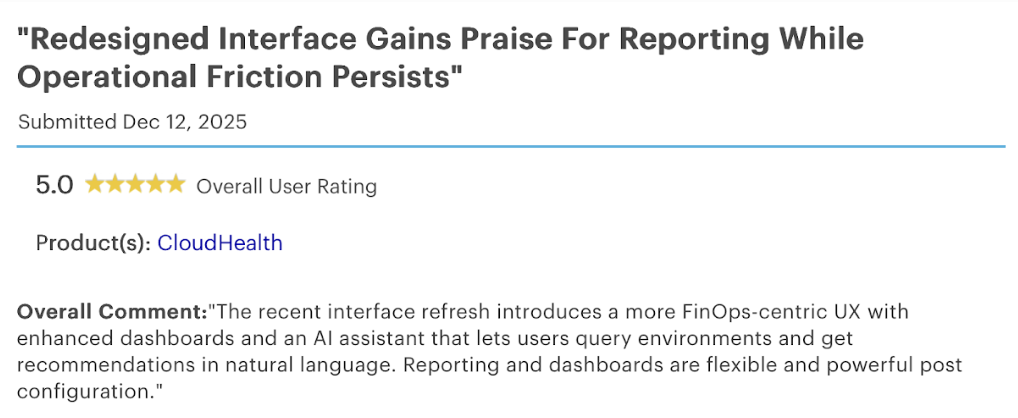
“A more FinOps-centric UX with enhanced dashboards” — Audit Manager, Gartner Peer Insights
Pricing
Custom pricing only; no public rate card. Broadcom/CloudHealth typically charges around 5% of tracked annual cloud spend, with minimum annual contracts often starting around $50,000. Contact Broadcom for a quote.
Bottom line
If Kubernetes cost attribution and FinOps maturity are your primary needs, CloudHealth by VMware is the strongest option. It is tightly focused on cost clarity and optimization; pair it with governance, security, and backup tooling where needed. If cost is the whole problem, we compared six tools for multi-cloud cost visibility separately.
5. Flexera One: Best for IT asset management alongside cloud FinOps

What it does: Combines cloud cost management with SaaS and software asset management, giving a single view of infrastructure spend and license usage.
Best for: Large enterprises managing both cloud costs and SaaS licensing that need a unified view across IT spend.
Flexera merges two problems most tools treat separately: SaaS license management (renewals, compliance, unused seats) and cloud infrastructure spend (rightsizing, reserved instances, waste). If your organization manages both, Flexera avoids duplicating dashboards.
Key features
- Combined SaaS + cloud cost management: One platform for software licensing and cloud infrastructure spend.
- License compliance tracking: Monitors software entitlements alongside cloud usage.
- Rightsizing and reservation management: Cost optimization recommendations across AWS, Azure, and GCP.
Pros
- ✅ Combines IT asset management and cloud cost tracking in one platform
- ✅ Strong license visibility helps identify unused or underutilized SaaS spend
- ✅ Works well for enterprises managing large, complex software estates
Cons
- ❌ Broader ITAM scope means teams that only need cloud cost tooling may not use the full platform
- ❌ Implementation timeline reflects the wider feature set
- ❌ Doesn't cover provisioning, security, or backup
What users say

"Getting the messy data from SCCM, Intune, M365, other service providers and vCenters into a single format is something that makes my job easy." — Savin S., Technical Consultant, G2
Pricing
Enterprise pricing only. Third-party data puts typical annual contracts between $30,000 and $640,000, with a common floor of around $50,000/year. Pricing scales with managed asset count and modules selected. Multi-year commitments typically yield discounts.
Bottom line
Flexera One makes sense if your IT team manages SaaS licensing and cloud spend under the same roof. If you only need FinOps dashboards, a focused tool like CloudHealth or CloudZero will feel lighter and faster to implement.
6. Terraform: Best for multi-cloud infrastructure provisioning
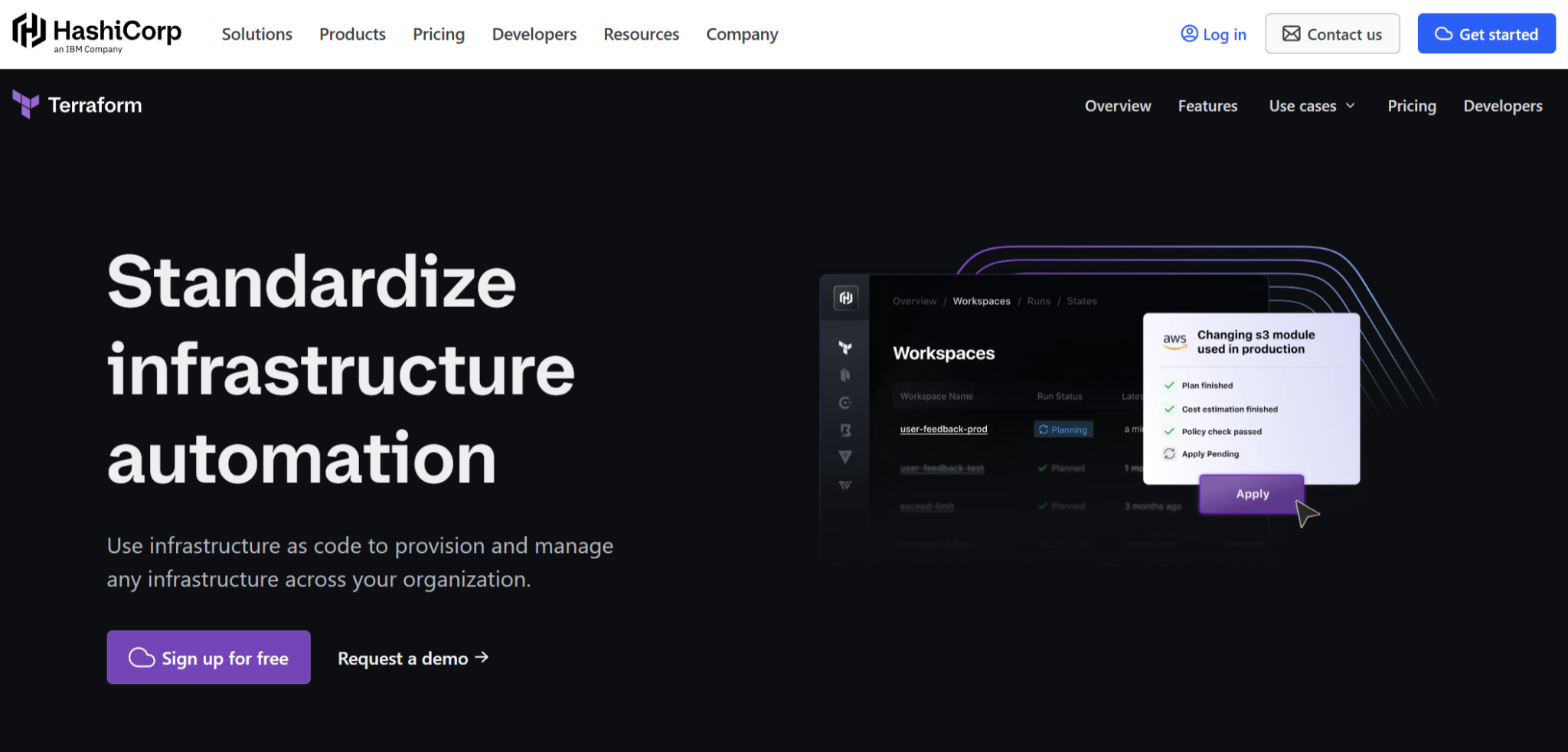
What it does: Provisions and manages infrastructure across multiple cloud providers using declarative code, allowing teams to define and deploy environments consistently.
Best for: Teams building and managing multi-cloud infrastructure with infrastructure-as-code who need a consistent way to provision across providers.
Terraform serves as the foundation for most multi-cloud setups by replacing provider-specific tooling with a single, consistent workflow. That standardization is what makes it manageable at scale, but it also means everything else, governance, cost, and security, has to be layered on top.
Key features
- 3,000+ providers: AWS, Azure, GCP, plus hundreds of SaaS and third-party services from one config.
- Declarative syntax (HCL): Define desired state, Terraform figures out the steps to get there.
- State management: Tracks what's deployed and detects configuration drift.
Pros
- ✅ Supports 3,000+ providers across cloud, SaaS, and infrastructure tools
- ✅ Consistent workflow across AWS, Azure, GCP, and third-party services
- ✅ Large ecosystem with strong community support and documentation
Cons
- ❌ Focused on provisioning, doesn't cover cost management, security, or backup
- ❌ State management requires careful planning as environments grow
- ❌ BSL license change (2023) led some teams to evaluate OpenTofu as an alternative
What users say
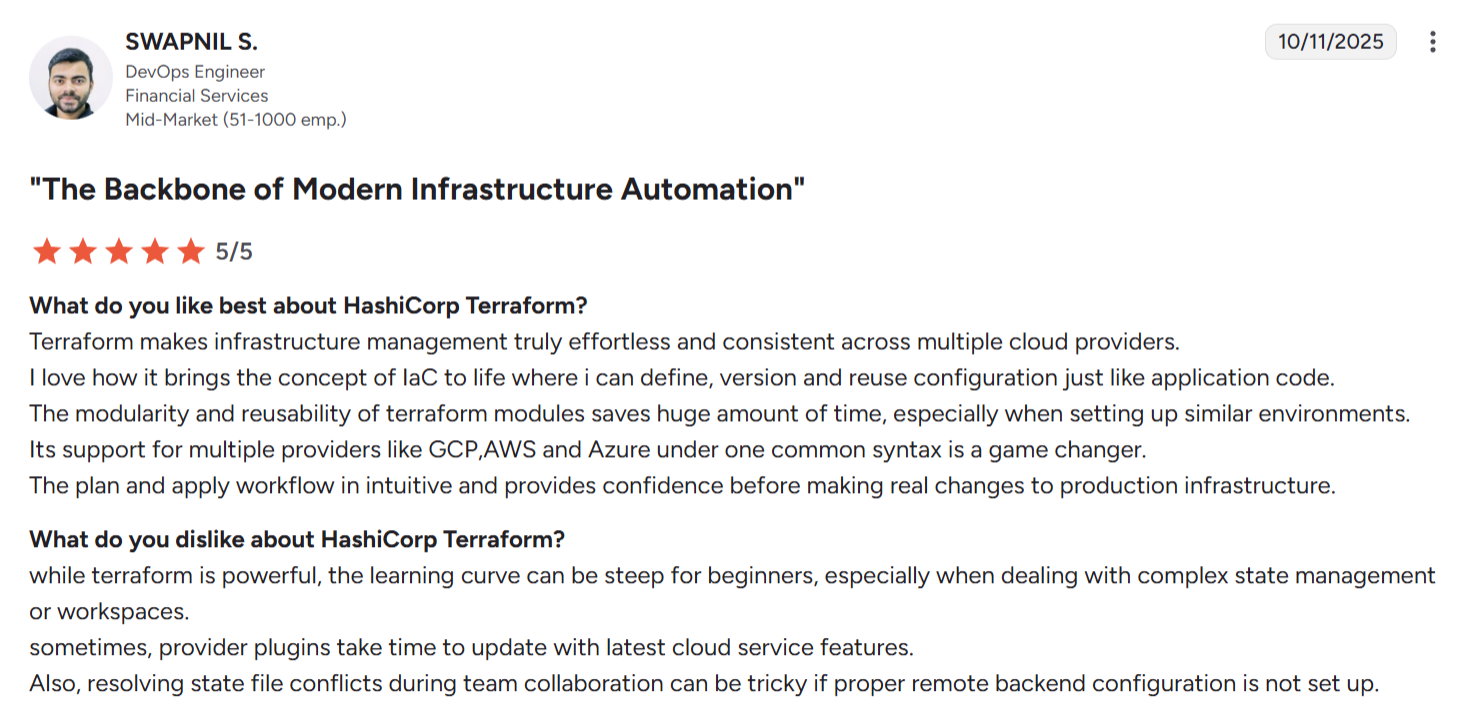
"Its support for multiple providers like GCP, AWS and Azure under one common syntax is a game changer." — Swapnil S., DevOps Engineer, G2
Pricing
Terraform CLI is free. HCP Terraform offers a free tier (up to 500 managed resources), with paid plans at $0.10, $0.47, and $0.99 per resource/month depending on tier. Enterprise pricing via IBM/HashiCorp sales.
Bottom line
If you're provisioning infrastructure across multiple clouds, Terraform is where most teams start. Pair it with Scalr or Spacelift for governance, and with Eon for backup coverage. It won't manage costs, security, or data protection on its own.
7. OpenTofu: Best for open-source multi-cloud IaC

What it does: Provides a fully open-source alternative to Terraform for provisioning and managing multi-cloud infrastructure using the same declarative approach.
Best for: Teams using Terraform who need an open-source, license-free alternative for compliance, flexibility, or long-term control.
OpenTofu exists because Terraform’s licensing change created uncertainty for teams building long-term infrastructure workflows around it. It offers the same core experience, but with open governance and no licensing restrictions, which matters for organizations that can’t depend on vendor-controlled tooling.
Key features
- Full Terraform compatibility: Same HCL syntax, same provider ecosystem for most use cases.
- Truly open-source (MPL 2.0): No licensing restrictions.
- Growing enterprise tooling: Third-party platforms adding OpenTofu support quickly.
Pros
- ✅ Fully open-source with no licensing restrictions or vendor lock-in
- ✅ Drop-in replacement for most Terraform workflows and configurations
- ✅ Growing ecosystem with increasing enterprise tooling support
Cons
- ❌Ecosystem and provider support can lag behind Terraform in newer features
- ❌Enterprise support ecosystem is less mature than the commercial Terraform Cloud offering
What users say
"Contrary to Terraform, OpenTofu is able to encrypt local statefiles." — User edeltoaster on Reddit
Pricing
Free and open-source (MPL 2.0), with no licensing fees. Infrastructure costs depend on your chosen execution environment (self-hosted, or a third-party platform like Scalr or Spacelift).
Bottom line
If Terraform's license change concerns your legal or compliance team, OpenTofu offers the same developer experience without those restrictions. If licensing isn't a concern, there's no strong reason to switch from Terraform now.
8. Wiz: Best for unified cloud security posture

What it does: Scans cloud environments across AWS, Azure, GCP, and OCI to identify misconfigurations, vulnerabilities, and risky access paths without requiring agents.
Best for: Cloud-first teams that need centralized visibility into security risks across multiple cloud providers without deploying agents.
Wiz stands out by connecting individual risks into complete attack paths rather than surfacing isolated alerts. That context makes it easier to prioritize what actually matters, especially in multi-cloud environments where thousands of low-signal findings can overwhelm security teams.
Key features
- Attack path visualization: Maps how risks chain together across your cloud estate, so you fix what matters.
- Agentless scanning: Connects via API, no agents to deploy or maintain.
- Multi-cloud coverage: AWS, Azure, GCP, and OCI from a single console.
Pros
- ✅ Attack path analysis helps prioritize real risks instead of isolated alerts
- ✅ Agentless deployment makes setup fast with no infrastructure changes
- ✅ Broad multi-cloud coverage from a single interface
Cons
- ❌ Pricing scales with cloud environment size, so larger estates should evaluate at full scale
- ❌ Teams benefit most when they have processes in place to act on findings
- ❌ Focused on security, doesn't cover cost management, provisioning, or backup
What users say

“It provides excellent visibility across a wide range of security risks and surfaces vulnerabilities that might otherwise go unnoticed.” — Dan M., Head of Cyber and Data Security, G2
Pricing
Quote-based, priced per cloud workload. Third-party estimates put annual contracts in the $24,000–$400,000+ range, depending on environment size, with mid-market teams typically landing around $100,000–$150,000/year. Multi-year commitments and module bundling generally yield meaningful discounts.
Bottom line
Wiz works best when you’re overwhelmed with findings and need clear prioritization across multi-cloud environments. It narrows the problem to what’s actionable, but leaves everything outside security to other tools.
9. Zerto: Best for VM-level disaster recovery across clouds
What it does: Provides continuous data replication for VM-based workloads, enabling near-zero recovery point objectives (RPO) across cloud and hybrid environments.
Best for: Enterprises running VM-heavy workloads that need near-zero data loss and fast disaster recovery across cloud and on-prem environments.
Zerto is built for scenarios where even minutes of data loss aren’t acceptable. Instead of relying on scheduled backups, it continuously replicates changes, making it well-suited for legacy and VM-based workloads but less well aligned with cloud-native services.
Key features
- Continuous replication: Captures every change for point-in-time recovery at second-level granularity.
- Journal-based recovery: Roll back to any moment, not just the last scheduled snapshot.
- Hybrid and multi-cloud support: Replication across on-prem, AWS, Azure, and GCP.
Pros:
- ✅ Continuous replication enables near-zero RPO for critical workloads
- ✅ Strong support for hybrid and on-prem to cloud disaster recovery
- ✅ Reliable for VM-based environments with strict recovery requirements
Cons:
- ❌ Built for VM-based workloads, so cloud-native services like managed databases and object storage fall outside its core focus
- ❌ Doesn't provide centralized visibility into backup coverage across multi-cloud environments
- ❌ Focused on disaster recovery rather than broader backup management or data access
What users say
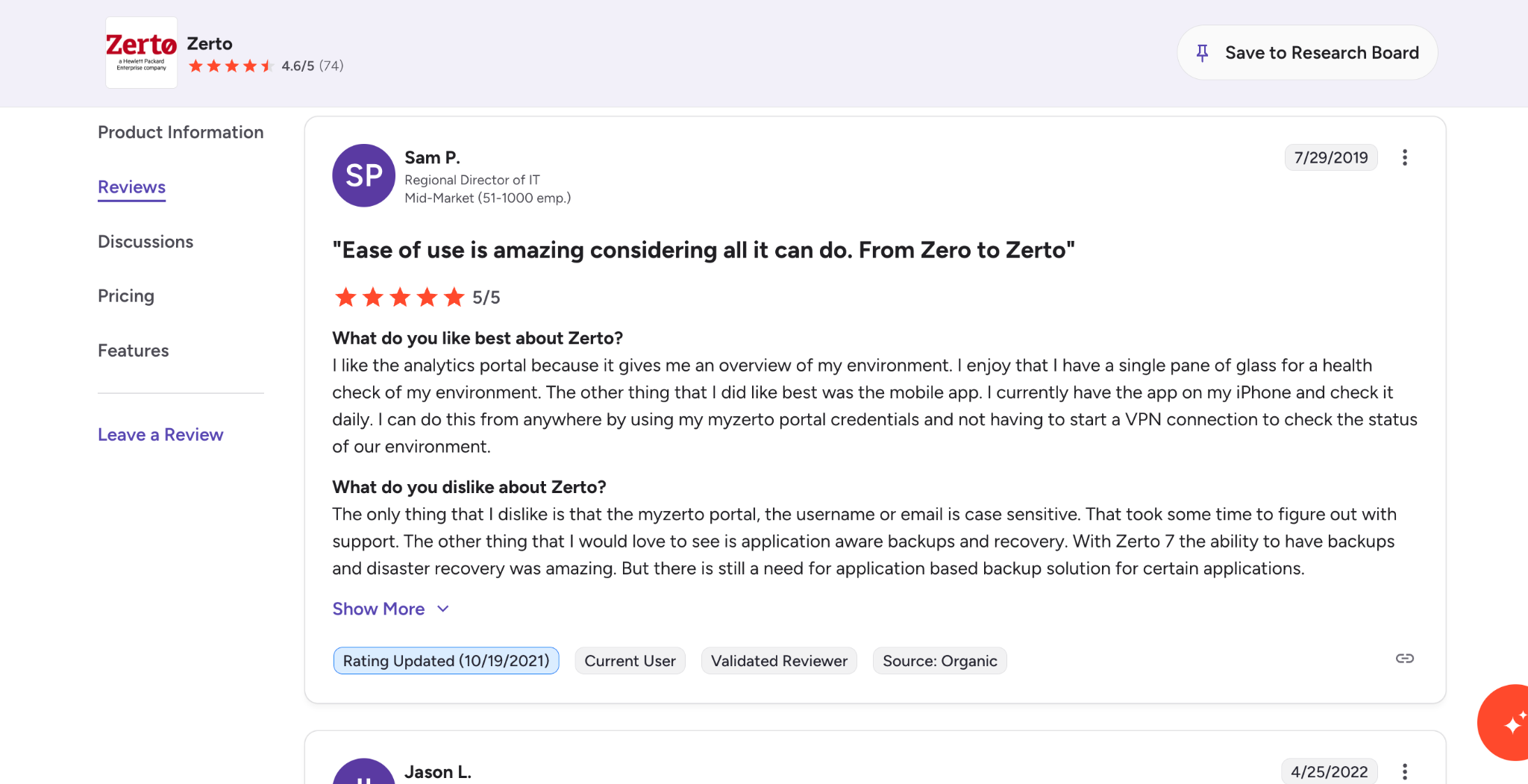
"I like the analytics portal because it gives me an overview of my environment. I enjoy that I have a single pane of glass for a health check of my environment." — Sam P., Regional Director of IT, G2
Pricing
Per-VM annual licensing, custom-quoted. User-reported costs (PeerSpot) range from roughly $20/VM/month for smaller deployments to $1,000/VM/year for enterprise licensing. Minimum commitments typically apply. Contact HPE/Zerto for a formal quote.
Bottom line
If you run VM-heavy workloads and need near-zero RPO, Zerto is purpose-built for that. For cloud-native environments (managed databases, object storage, Kubernetes), Eon covers what Zerto can't. Many enterprises end up using both for different parts of their estate.
Which multi-cloud management platform should you choose?
No single platform covers orchestration, cost, security, IaC, and backup at once. Most teams run a stack of 2-3 tools matched to their biggest pain points. Our guide on how to manage multi-cloud cost and security covers how teams combine that stack in practice.
Choose Eon if you:
- Don’t know what’s actually protected across your cloud environments
- Need fast, granular recovery without full restores
Choose CloudBolt if you:
- Run hybrid environments with VMware and public cloud
- Need centralized governance and self-service provisioning
Choose Scalr if you:
- Already use Terraform and need policy enforcement and governance
- Want to add guardrails without slowing down developers
Choose CloudHealth if you:
- Run Kubernetes across multiple clouds
- Need to understand which workloads are actually driving costs
Choose Flexera One if you:
- Manage both cloud spend and SaaS licensing
- Need a unified view of total IT cost, not just infrastructure
Choose Terraform if you:
- Need a consistent way to provision infrastructure across multiple clouds
- Want a single workflow instead of managing each provider separately
Choose OpenTofu if you:
- Use Terraform, but need an open-source, license-free alternative
- Have compliance or vendor lock-in concerns
Choose Wiz if you:
- Struggle to prioritize security findings across cloud environments
- Need visibility into real attack paths instead of isolated alerts
Choose Zerto if you:
- Run VM-heavy workloads with strict recovery requirements
- Need near-zero data loss and continuous replication
Where to start if backup is the gap
For most multi-cloud teams, the stack we'd start with is Terraform for provisioning, a FinOps tool for cost visibility, and Eon for backup and data protection. That combination covers the three areas where fragmentation causes the most damage.
Eon fills the gap that every other tool in this list leaves open: knowing what's actually protected across your clouds, recovering specific data without full-environment restores, and turning backup storage from a cost center into a usable asset.
Find out what is actually protected across your clouds, where the gaps are, and how fast you can recover the right data. See Eon in action.
Frequently asked questions
What is the best multi-cloud management platform for enterprise teams?
The best multi-cloud management platform depends on your primary pain point. Eon is the strongest option for backup visibility and recovery across clouds. CloudBolt leads for hybrid governance. Wiz wins for unified security posture. Most enterprise teams use 2-3 tools together. (Check out our guide to cloud cost optimization).
What is the difference between multi-cloud and hybrid cloud?
The difference between multi-cloud and hybrid cloud is that multi-cloud uses services from two or more public cloud providers (such as AWS and Azure). In contrast, hybrid cloud combines public cloud with on-premises or private cloud infrastructure. A company can use both strategies at the same time. If your estate falls on the hybrid side of that line, how hybrid cloud backup works covers what changes once on-premises infrastructure is in scope.
What are the biggest challenges of multi-cloud management?
The biggest challenges of multi-cloud management are fragmented visibility, inconsistent security policies, cost sprawl, and unreliable backup coverage. Each cloud provider uses different tooling, pricing models, and IAM systems, making centralized governance difficult without dedicated platforms. We cover the multi-cloud backup challenges behind each of those in more depth.
How do you manage backup across multiple cloud providers?
You manage backup across multiple cloud providers by using a platform that centralizes visibility, enforces consistent policies, and supports granular recovery across environments. Native tools only cover their own cloud, so without a unified layer, it’s difficult to verify what’s protected or recover data reliably. Our guide to multi-cloud backup walks through the operating model that makes it work.