

Cloud cost management is harder in 2026 because the bill now comes from more places. One organization runs on AWS, Azure, Google Cloud, Kubernetes, and a set of AI services, and each one reports its costs in a different format.
The work splits into three jobs: seeing all the spend in one place, tying every dollar to the product or group that caused it, and cutting waste without cutting something you need.
Most of these are general FinOps platforms built for the first two jobs. The cost that almost none of them price is the backup, snapshot, and archive spend a retention policy keeps generating, which is why this list covers that layer too.
What cloud cost management covers
Cloud cost management is the practice of collecting billing data across providers, allocating it to the people and products responsible for it, and acting on what that allocation reveals. In practice, it covers five jobs: visibility into what was spent, allocation to an owner, forecasting, anomaly detection, and optimization.
Cloud cost management software handles the collection and allocation. Cloud cost management solutions that go further also apply changes to infrastructure, which is where management shades into cost optimization. Management tells you where the money went and who owns it; optimization is the work that acts on it, from rightsizing to commitment buying to retention changes.
The discipline widened in 2026. Workload optimization and waste reduction still rank as the top current priority in the State of FinOps 2026 data, while AI spend, governance, and scope expansion compete for the same attention.
The bill now carries more categories than the tooling was designed to read.
Native provider cost tools and their limits
AWS Cost Explorer, Microsoft Cost Management, and Google Cloud's FinOps hub report cost and usage inside their own provider. Every platform in this article reads those same billing exports underneath, so when a vendor dashboard disagrees with the provider console, the console wins.
That makes native tooling the reference layer for everything else, and the one layer nobody has to buy. Google Cloud's FinOps hub highlights where capacity goes unused by project, and AWS and Azure both carry budget thresholds and anomaly alerting in their own consoles.
Three limits push organizations past that layer:
- No cross-cloud view: Microsoft retired the AWS connector in Cost Management on March 31, 2025, and deleted the AWS cost data held there.
- No allocation logic: Chargeback across dozens of accounts needs hierarchy and shared-cost rules the consoles do not supply.
- Per-query cost at scale: AWS charges $0.01 per Cost Explorer API request, and each page of a paginated result counts separately.
Start with the consoles and keep them as the number every other tool gets checked against. The platforms below earn their cost by doing what the consoles will not, which is spanning providers and assigning every dollar an owner.
If your spend sits mostly in one provider, our roundup of the best AWS cost optimization tools digs into the AWS-specific picks.
9 best cloud cost management tools: TL;DR
- Eon: Best for backup, snapshot, and retained-data spend, with API feeds for showback and chargeback.
- IBM Cloudability: Best for chargeback across a large multi-account organization.
- CloudZero: Best for cost per customer, per feature, and per model.
- Finout: Best for one bill view across cloud, Kubernetes, and SaaS.
- Vantage: Best for usable cost reporting within a day of connecting accounts.
- Cast AI: Best for autonomous Kubernetes cost optimization.
- Harness Cloud Cost Management: Best for automated idle shutdown and commitment control.
- Flexera One: Best for license, SaaS, and cloud spend under one governance model.
- Datadog Cloud Cost Management: Best for tying spend to service telemetry.
How we evaluated these cloud cost management tools
Six standards separate the platforms in this category. Each one is a question a buyer has to answer before signing anything.
- Allocation accuracy: Whether untagged, shared, and Kubernetes spend lands on a real owner.
- Scope coverage: AWS, Azure, Google Cloud, Kubernetes, SaaS, and AI or model spend in one view.
- Automation depth: Recommendations in a queue, or changes the platform applies on its own.
- Data foundation: Whether the platform ingests provider billing exports natively, and at which FOCUS version.
- Pricing model: Flat subscription, percentage of tracked spend, or a share of the savings produced.
- Storage and retained data: Whether protection and retention spend is priced at all.
Most of these levers are well covered across the category. The last standard is the one the tools tend to skip: retention and protection spend rarely gets priced at all, because a policy decision drives it and policy decisions live outside billing dashboards.
9 best cloud cost management tools: Quick comparison
| Tool | Strengths | Best for | Cloud coverage | Pricing model |
|---|---|---|---|---|
| Eon | Protection posture, backup spend visibility, recovery in minutes | Backup and archive spend | AWS, Azure, Google Cloud | Usage-based, per GB per month |
| IBM Cloudability | Allocation, chargeback, forecasting | Large multi-account governance | AWS, Azure, Google Cloud | Annual contract on managed spend |
| CloudZero | Tag-independent allocation, unit economics | Cost per customer and per feature | Multi-cloud plus SaaS and AI | Quote, scales with spend |
| Finout | MegaBill, virtual tags, shared cost splits | One view across cloud and SaaS | Multi-cloud, K8s, data platforms | Flat fee by committed-spend tier (quoted) |
| Vantage | Fast setup, 30+ integrations, virtual tagging | Quick allocation without tag cleanup | Multi-cloud, K8s, SaaS, AI vendors | Fixed monthly tiers |
| Cast AI | Autonomous rightsizing, autoscaling, Spot and commitments | Kubernetes compute optimization | AWS, Azure, Google Cloud (EKS/GKE/AKS) | Usage-based, quoted |
| Harness CCM | AutoStopping, commitment orchestration, anomaly detection | Automated non-prod waste and commitments | AWS, Azure, Google Cloud, Kubernetes | Free under $250K spend, then Enterprise |
| Flexera One | ITAM, SAM, rate optimization, SaaS governance | Hybrid IT and license governance | Multi-cloud plus data clouds | Quote, modular |
| Datadog CCM | Cost joined to observability telemetry | Service-level cost ownership | AWS, Azure, Google Cloud, OCI | Share of monitored spend |
The 9 cloud cost management tools for 2026
1. Eon: Best for backup, snapshot, and retained-data spend

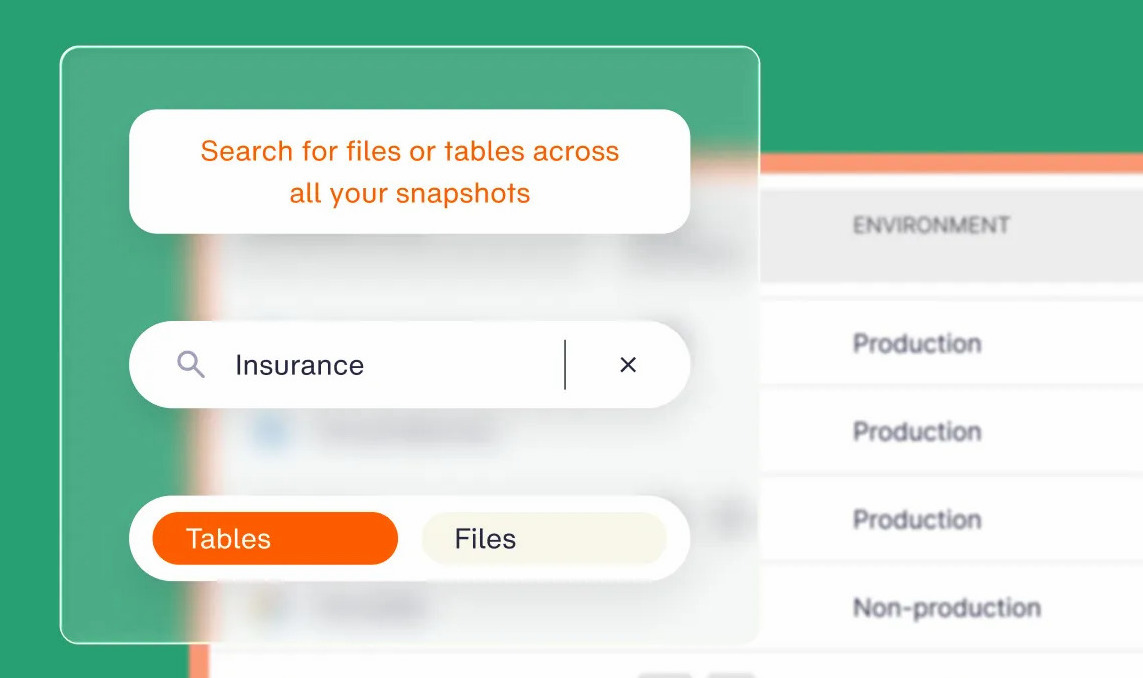
What it does: Eon classifies cloud resources, applies backup policy automatically, and reports and drills into multi-cloud backup spend by account, subscription, and resource across AWS, Azure, and Google Cloud.
Best for: Organizations where snapshot, backup, and archive storage has become a visible share of the bill.
A retention rule set two years ago keeps producing charges long after the workload it protected changed shape. Nobody provisioned that storage this quarter, so rightsizing workflows rarely cover it
Key features
- Cloud Backup Posture Management (CBPM): Finds and classifies each resource as it is created, then attaches retention policy automatically, with no manual tagging.
- Multi-cloud backup cost reporting: Eon's Cost Explorer pulls AWS, Azure, and Google Cloud backup spend into one view.
- Showback and chargeback via API: Cost Explorer exposes backup spend by account, subscription, and resource, so the data can flow into the dashboards your FinOps team already runs.
- Global deduplication: Replaces the redundant copies most estates carry, with no appliances to license, run, or maintain.
- Granular recovery: Brings back a single file, object, table, or database record on its own, with no full-environment rebuild.
- Open-format storage: Backups land in Parquet and Iceberg for zero-ETL access from Snowflake, Databricks, BigQuery, and Athena.
Pros and cons
Pros:
- ✅ Cost Explorer reports multi-cloud backup spend and drills down to accounts, subscriptions, and resources, with API access for showback, chargeback, and anomaly alerts.
- ✅ It complements native tooling instead of replacing it. Native charges compound silently per snapshot, per version, and per API call, and Eon adds cross-cloud coverage and deduplication economics on top, at up to 50% lower cost.
- ✅ Coverage keeps up with new resources without anyone remembering to tag them.
- ✅ When one record is wrong, you fix just that record, so recovery does not turn into a full-environment project.
Cons:
- ❌ Cloud-first, with only partial on-premises coverage.
- ❌ Compute rightsizing and commitment purchasing sit outside the product.
- ❌ Not a FinOps platform. Eon covers data protection spend and sits beside your cost management tools, not in place of them.
What users say
"We save more with Eon than we spend." — CJ Keefe, Director, Corporate Infrastructure, DevOps & SRE, SoFi, Eon case study
Pricing
Usage-based: you pay per GB per month for the storage you back up, with no tiers or feature gates, and a contract sized to your capacity and growth. Ransomware protection is a separate package, and Eon is on the AWS Marketplace.
Current terms are on Eon's pricing page.
Bottom line
Bring Eon in when storage and protection have become a line item somebody asks about in budget reviews. It sits beside a FinOps platform and adds the protection and retention context billing data leaves out. For more on the waste that billing and utilization data miss, watch our webinar with Victor Garcia, who writes the FinOps Weekly newsletter.
2. IBM Cloudability: Best for chargeback across a large multi-account organization
What it does: IBM Cloudability normalizes billing data across AWS, Azure, and Google Cloud and maps it to business units, products, and budgets.
Best for: Finance-led organizations that need defensible chargeback numbers every month.
Cloudability came to IBM through the Apptio acquisition, and the finance heritage is visible in the product. It is built around the monthly cycle where cost numbers get defended in front of finance.
Key features
- TotalCost allocation: Distributes support charges, shared services, and discounts so allocated spend reconciles to the invoice.
- Chargeback and showback reporting: Maps spend to cost centers with hierarchy rules finance can defend.
- Commitment coverage tracking: Reports Reserved Instance and Savings Plan utilization across accounts.
Pros and cons
Pros:
- ✅ Month-end stops being a negotiation, because the allocation survives an auditor asking how it was derived.
- ✅ Kubernetes owners get billed like everyone else, so the cluster stops absorbing costs nobody claims.
- ✅ The spreadsheet nobody trusted goes away, and one person stops spending a week a month rebuilding it.
Cons:
- ❌ Rollout runs on an enterprise timeline, measured in months.
- ❌ Governance depth is more than a footprint under about 20 accounts needs.
- ❌ The newer AI-spend analysis is less mature than the core allocation and chargeback reporting.
What users say
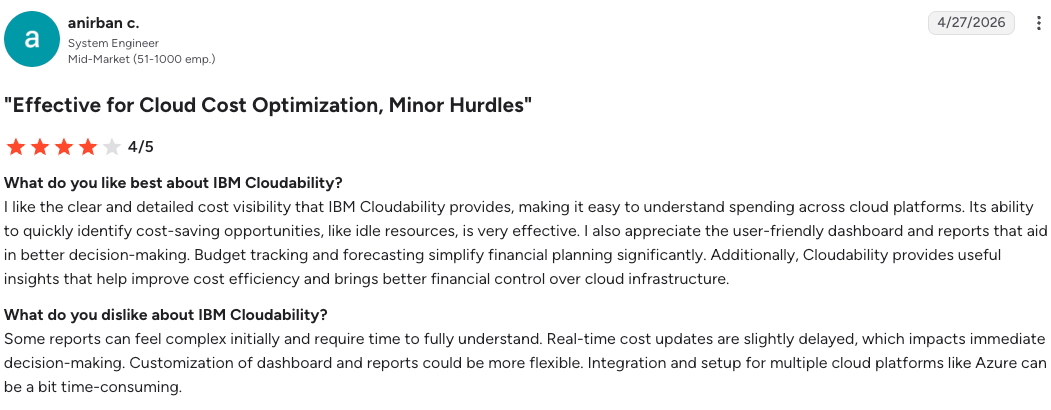
"I like the clear and detailed cost visibility that IBM Cloudability provides." — Anirban C., system engineer, G2
"Cloudability can take some time to configure and tailor to your organization." — Diwas G., small business manager, G2
Pricing
Sold as an annual subscription scaled to the cloud spend under management, quoted by IBM and available through cloud marketplaces.
Bottom line
Cloudability earns its cost when chargeback accuracy is a business requirement. Below that threshold, the governance machinery is weight you carry without using.
3. CloudZero: Best for cost per customer, per feature, and per model
What it does: CloudZero maps cloud, SaaS, and AI spend to business dimensions such as customer, product, and feature.
Best for: Software companies where margin per customer drives pricing and roadmap decisions.
Business mapping assigns spend to dimensions even where tagging is incomplete or impossible. Shared infrastructure and Kubernetes get an owner without a tag remediation project running first.
Key features
- Dimensions: Allocates spend to business context without depending on tag coverage.
- Unit cost analytics: Reports cost per customer, per transaction, and per inference against revenue.
- AI and SaaS connectors: Ingests Anthropic, OpenAI, Snowflake, Databricks, and Datadog spend alongside cloud.
Pros and cons
Pros:
- ✅ You can walk into a renewal knowing which accounts cost more to serve than they pay.
- ✅ Allocation lands in days, so the tagging cleanup stops being the thing that blocks every cost decision.
- ✅ AI spend gets an owner while it is still small, before it turns into its own budget fight.
Cons:
- ❌ No commitment purchasing or execution layer, so savings still need another tool.
- ❌ Lighter on policy-driven governance than the enterprise FinOps suites.
- ❌ Value depends on having business metrics clean enough to map against.
What users say
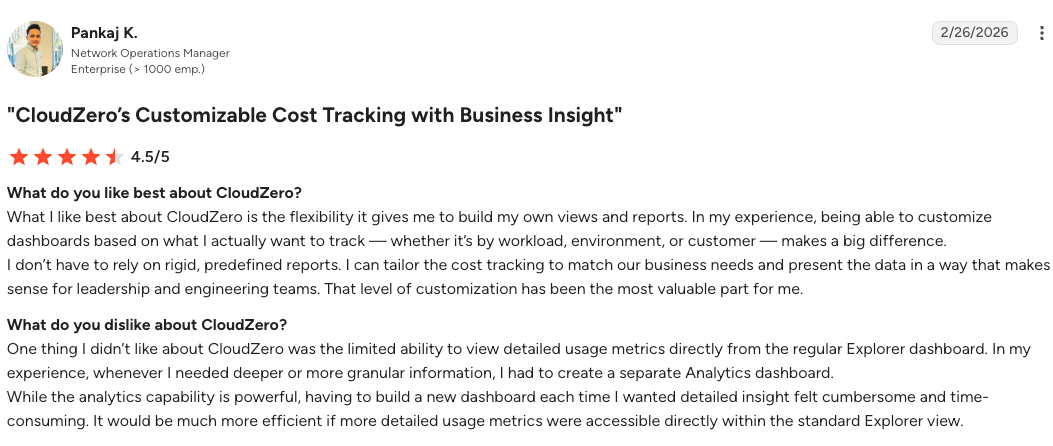
"What I like best about CloudZero is the flexibility it gives me to build my own views and reports." — Pankaj K., network operations manager, G2
"There could be improvements on the AI reporting." — Mohammed H., G2
Pricing
Custom-quoted subscription based on annualized cloud spend under management, with no published rate card.
Bottom line
CloudZero suits an organization asking whether a customer is profitable. For an organization asking why last Tuesday cost more than last Monday, a lighter reporting tool covers it.
4. Finout: Best for one bill view across cloud, Kubernetes, and SaaS
What it does: Finout consolidates cloud, Kubernetes, data platform, and SaaS spend into a single bill view called MegaBill, then allocates it with virtual tags.
Best for: Environments where a large share of spend sits outside the three hyperscalers.
Finout targets environments where the hyperscaler bill is only part of the problem and data platforms carry real weight. Allocation happens after the fact, applied over billing data with no change to the infrastructure underneath.
Key features
- MegaBill: Normalizes AWS, Azure, Google Cloud, OCI, Kubernetes, Snowflake, Databricks, and Datadog into one structure.
- Virtual Tags: Allocation rules applied on top of billing data with no code, agents, or retagging.
- Shared cost distribution: Splits common infrastructure across consumers using telemetry.
Pros and cons
Pros:
- ✅ The Snowflake and Datadog bills get an owner too, so cost reviews stop covering only half the spend.
- ✅ The fee is flat for the term and does not rise with your cloud bill, so the tool cost stays predictable as spend grows.
- ✅ Nothing lands on the platform roadmap, because there is no agent to deploy or code to change.
Cons:
- ❌ Visibility and allocation only, with no autonomous optimization layer.
- ❌ Cost centers are capped at two on Business and three on Pro.
- ❌ Kubernetes integration adds 25% to the subscription on the lower tiers.
What users say
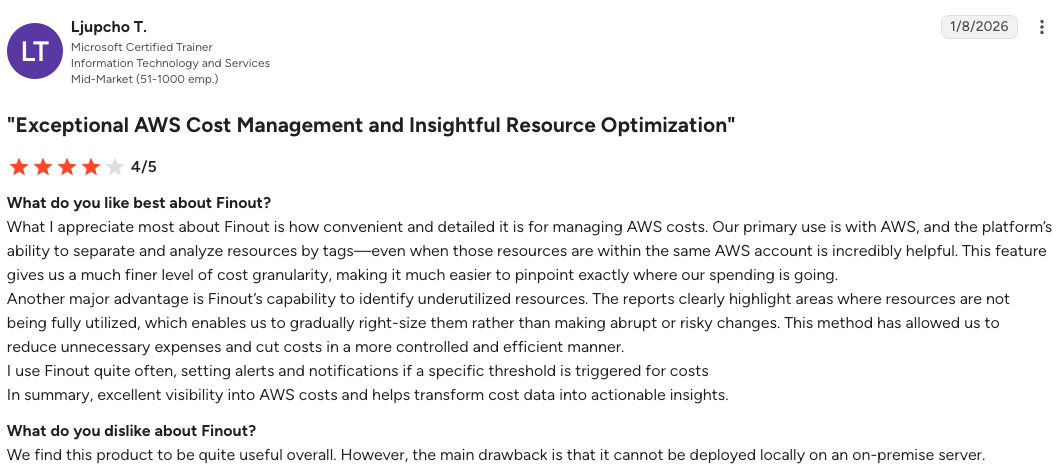
"What I appreciate most about Finout is how convenient and detailed it is for managing AWS costs." — Ljupcho T., Microsoft certified trainer, G2
"The initial setup and integration with multiple cloud accounts can be a bit complex." — Valentin D., software engineer, G2
Pricing
Flat annual fee set by a committed-spend tier (Business, Pro, Enterprise), quoted rather than published. Cost centers cap at two on Business and three on Pro; Kubernetes adds 25% on those tiers and is included on Enterprise.
Bottom line
Pick Finout when the bill is genuinely heterogeneous and the shared-cost problem has beaten spreadsheets. Pure AWS footprints will not use half of what it does.
5. Vantage: Best for usable cost reporting within a day of connecting accounts
What it does: Vantage consolidates billing from more than 30 providers into cost reports, with virtual tagging for allocation.
Best for: Engineering-led cost work where speed to a usable report outranks governance depth.
Vantage is built for engineer-led cost work, sold self-service and operated through an API as much as a console. It suits an organization that wants numbers in hand before anyone opens a procurement cycle.
Key features
- Provider coverage: 30+ sources including Snowflake, Databricks, MongoDB, Datadog, Anthropic, and OpenAI, with token-level allocation for model spend.
- Virtual tagging: Allocation rules that work without touching provider tags.
- Autopilot for AWS Savings Plans: Automated commitment purchasing inside AWS.
- Developer surfaces: An API, a Terraform provider, and an MCP server for agent access.
Pros and cons
Pros:
- ✅ A cost spike gets an answer the same day, while the change that caused it is still fresh.
- ✅ The tool bill stays flat as the cloud bill grows, so savings are not clawed back by the vendor.
- ✅ Cost checks run inside pipelines you already own, which keeps them from becoming a manual ritual.
Cons:
- ❌ Self-service tiers cap tracked spend, forcing a tier change as the bill grows.
- ❌ Autopilot commitment automation covers AWS only.
- ❌ Optimization is narrower than platforms that change infrastructure directly.
What users say
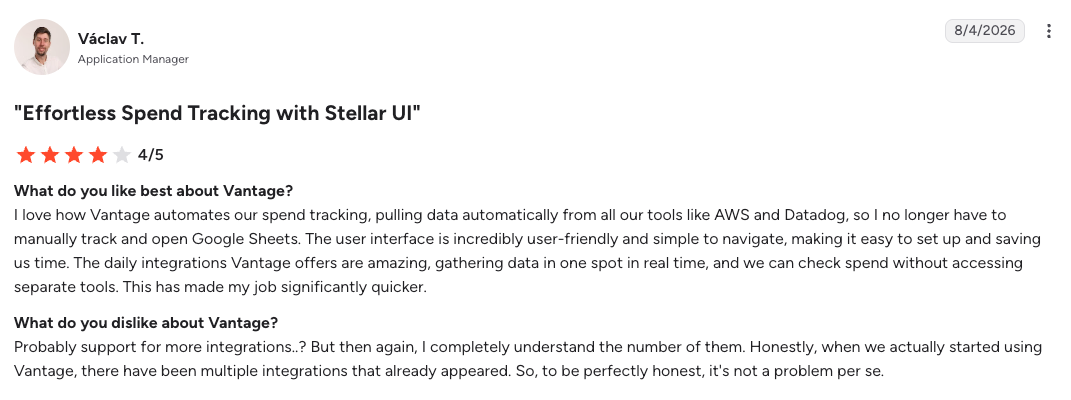
"I love how Vantage automates our spend tracking." — Václav T., application manager, G2
"It would be helpful to have more advanced customization and filtering options in reports." — Manil G., software engineer, G2
Pricing
Starter is free up to $2,500 in tracked monthly spend. Pro is $30 per month up to $7,500, Business is $200 per month up to $20,000, and Enterprise is custom with unlimited tracked spend.
Bottom line
Vantage is the fastest route from zero visibility to an allocated report. Chargeback across business units at enterprise scale is a different job.
6. Cast AI: Best for autonomous Kubernetes cost optimization
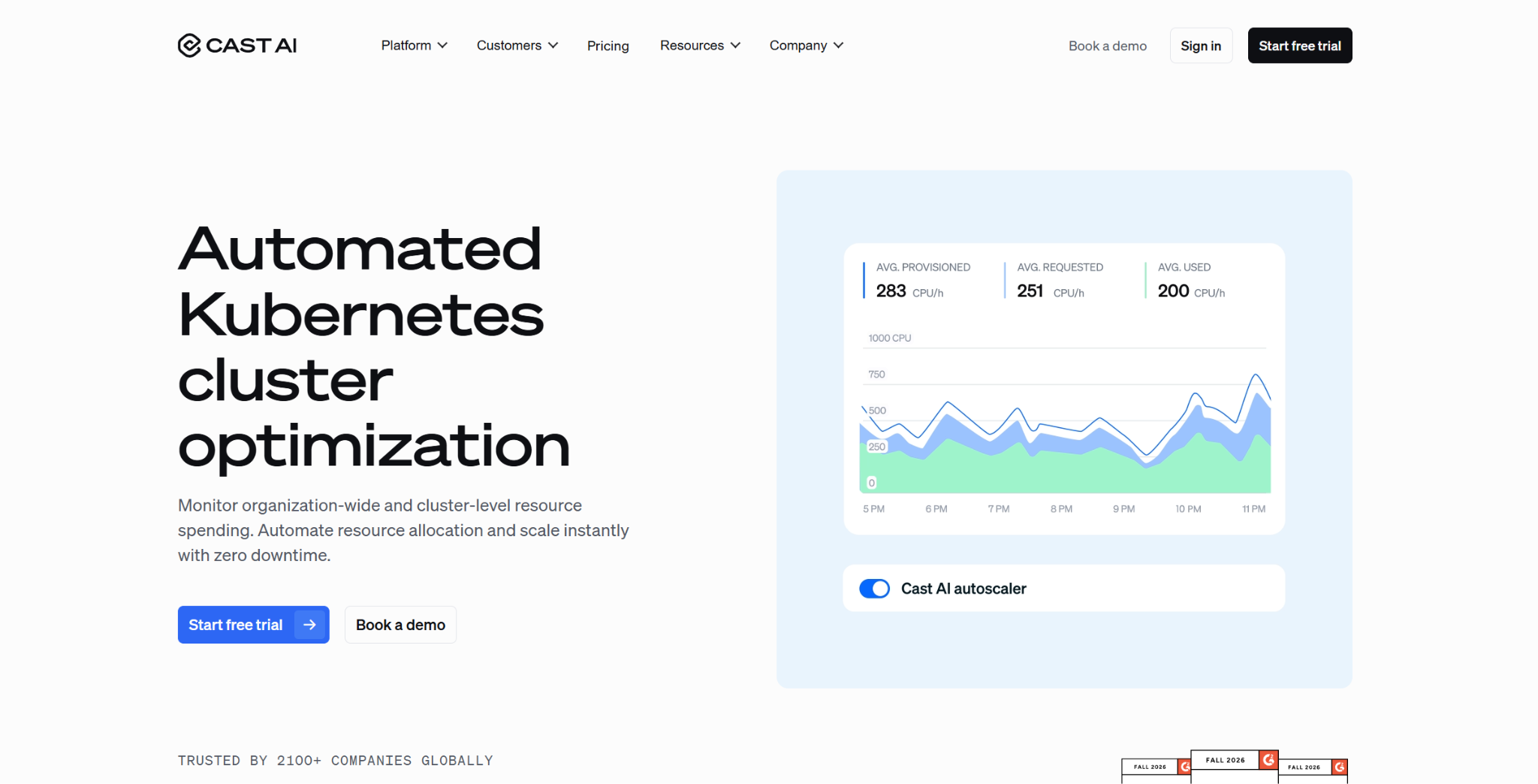
What it does: Cast AI connects to your Kubernetes clusters and optimizes compute automatically, rightsizing pods, autoscaling nodes, and shifting eligible workloads onto Spot capacity across AWS, Azure, and Google Cloud.
Best for: Engineering teams whose spend concentrates in EKS, GKE, or AKS and want optimization applied automatically rather than left in a recommendations queue.
Most tools in this category report waste and leave a human to act on it. Cast AI runs the action layer for Kubernetes, choosing instance types, provisioning nodes, and balancing Spot and commitment coverage in real time. It connects in read-only mode first, and the early changes are approved before anything moves in production.
Key features
- Automated rightsizing: Matches pod CPU and memory requests to real usage, and keeps matching them as usage shifts.
- Node autoscaling: Provisions and decommissions instances automatically as workloads change, as a Karpenter alternative.
- Spot and commitment automation: Moves eligible workloads onto Spot capacity with interruption prediction, and manages commitment coverage alongside it.
- GPU optimization: Extends the same automation to the GPU nodes behind AI and ML workloads.
Pros and cons
Pros:
- ✅ Optimization happens without a ticket queue, so savings land as workloads change instead of waiting for a manual review.
- ✅ The read-only connect takes minutes, and you approve the first changes before anything moves in production.
- ✅ Spot and GPU handling reach the workloads where Kubernetes waste runs deepest.
Cons:
- ❌ Scope centers on Kubernetes compute, so non-container, SaaS, and AI billing need another tool for allocation.
- ❌ Acting on a cluster means granting Cast AI permission to provision and remove nodes, which platform teams gate carefully.
- ❌ The payoff is largest for big, dynamic clusters, and thinner for small or mostly static estates.
What users say
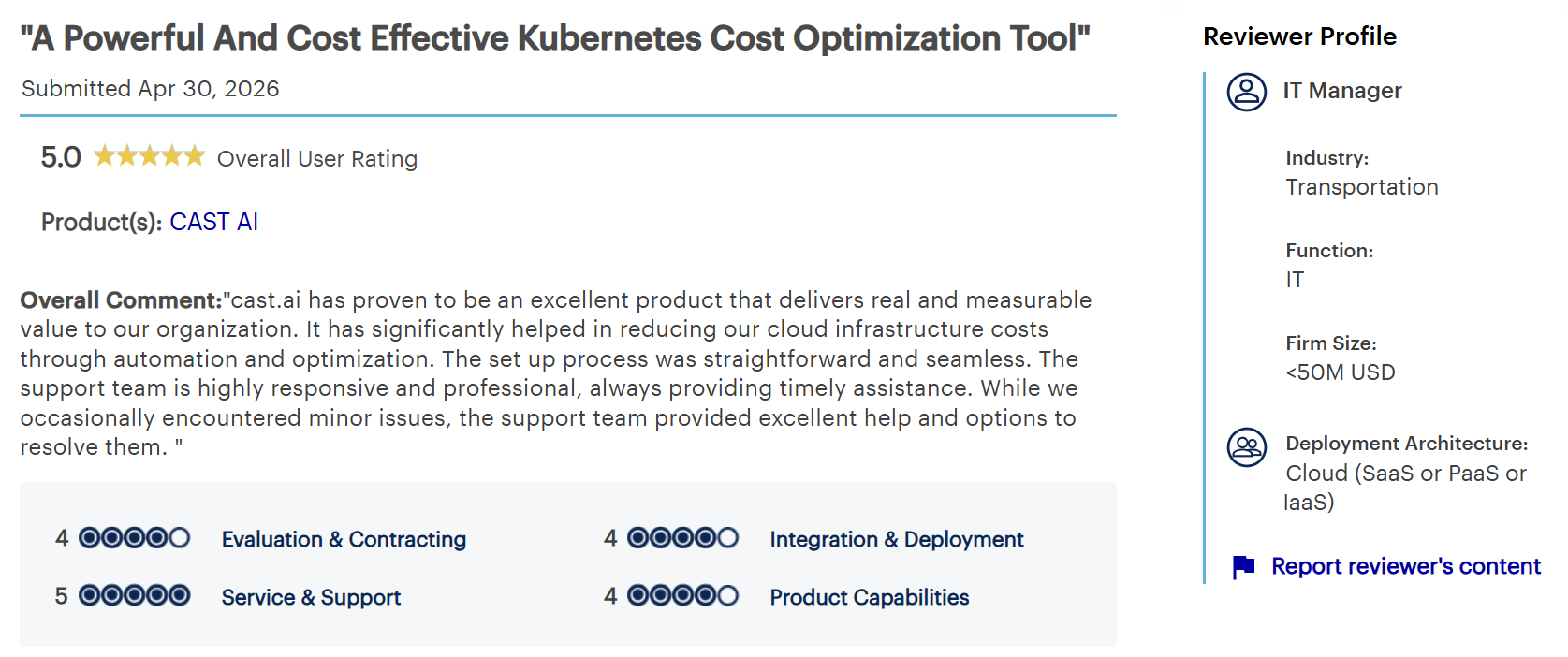
"It has significantly helped in reducing our cloud infrastructure costs through automation and optimization" — IT manager in transportation, Gartner Peer Insights
"It can sometimes downscale services too aggressively." — Moulick A., senior DevOps engineer, G2
Pricing
Usage-based, tied to the compute Cast AI manages and quoted per environment, with a free trial and a read-only connection to start.
Bottom line
Cast AI fits when Kubernetes is the largest line on the bill and you want the savings applied automatically. For estates with little container spend, a visibility-first platform covers more of the picture.
7. Harness Cloud Cost Management: Best for automated idle shutdown and commitment control
What it does: Harness Cloud Cost Management reports cloud and Kubernetes spend, then removes waste automatically by shutting down idle resources and orchestrating commitment coverage across AWS, Azure, and Google Cloud.
Best for: Engineering teams that want non-production waste and commitment buying handled by the platform and tied into their delivery pipelines.
Harness came up through software delivery, and its cost module reflects that. Idle non-production resources shut down on their own through Intelligent Cloud AutoStopping, commitments are orchestrated in the background, and cost policies can run inside the same pipelines that ship code.
Key features
- Intelligent Cloud AutoStopping: Shuts down idle and non-production resources automatically, then restarts them on demand.
- Commitment orchestration: Automates Reserved Instance and Savings Plan coverage.
- Governance and anomaly detection: Policy-as-code budgets, forecasting, and alerts on unexpected spend.
Pros and cons
Pros:
- ✅ Non-production idle spend comes off the bill without anyone remembering to turn resources off.
- ✅ Commitment coverage is managed in the background, so discounts keep pace between quarterly reviews.
- ✅ A free tier covers organizations under $250K in annual cloud spend, which lowers the cost of trying it.
Cons:
- ❌ The strength is idle shutdown and commitments; continuous production rightsizing is lighter than a dedicated optimizer.
- ❌ Most of the value lands for teams already using the broader Harness delivery platform.
- ❌ Full capability sits in the Enterprise tier above the free plan's spend limit.
What users say
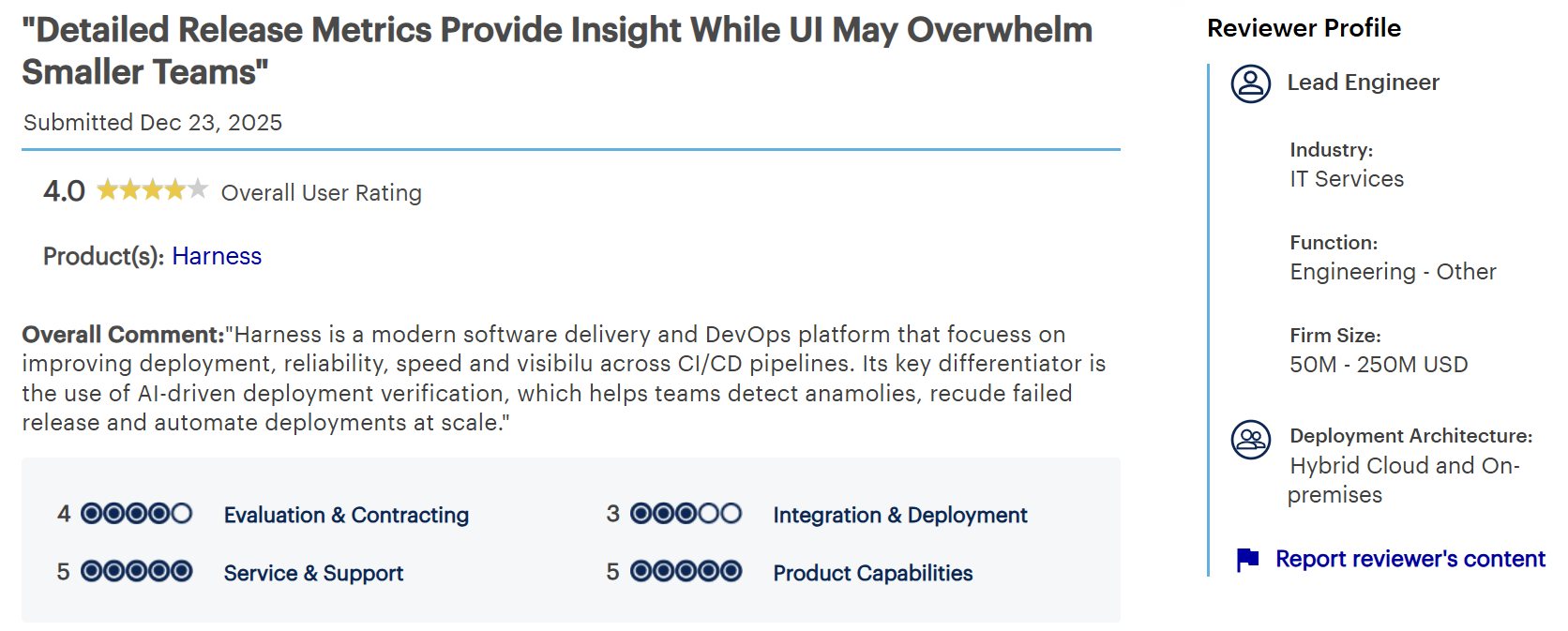
"Helps teams detect anomalies, reduce failed release and automate deployments at scale." — Lead engineer in IT services, Gartner Peer Insights
"A few configurations aren’t immediately intuitive." — Harshul S., senior tech support, G2
Pricing
Free Forever plan for organizations under $250,000 in annual cloud spend, with Enterprise pricing above that, plus a Startup plan for smaller companies.
Bottom line
Harness fits an engineering organization that wants waste removed automatically and commitments managed without a spreadsheet. Teams that need deep cost-per-customer allocation will pair it with a unit-economics tool.
8. Flexera One: Best for license, SaaS, and cloud spend under one governance model
What it does: Flexera One covers IT asset management, software licensing, SaaS governance, and cloud cost optimization in one portfolio.
Best for: Organizations where software licensing exposure and cloud spend are governed by the same people.
Flexera bought the Spot FinOps business from NetApp in March 2025. It then acquired ProsperOps and Chaos Genius on January 6, 2026, adding autonomous commitment management across the three major clouds plus optimization for Snowflake and Databricks.
Key features
- Rate optimization: ProsperOps automates commitment purchasing and coverage across the three major clouds.
- Hybrid visibility: Reports cloud alongside on-premises and private infrastructure in one hierarchy.
- Data cloud optimization: Chaos Genius extends cost work into Snowflake and Databricks workloads.
Pros and cons
Pros:
- ✅ One review covers licensing exposure and cloud waste, so the audit scramble stops being an annual project.
- ✅ Nobody has to make a quarterly commitment call, and coverage keeps up between those meetings.
- ✅ A half-finished migration still reports as one number, which keeps the on-premises half out of a separate deck.
Cons:
- ❌ An assembled portfolio carries several data models and uneven integration depth.
- ❌ Implementation runs as an enterprise project with discovery, data normalization, and training phases.
- ❌ The autonomous optimization is a recent acquisition (ProsperOps and Chaos Genius), so it still sits somewhat apart from the core ITAM portfolio.
What users say
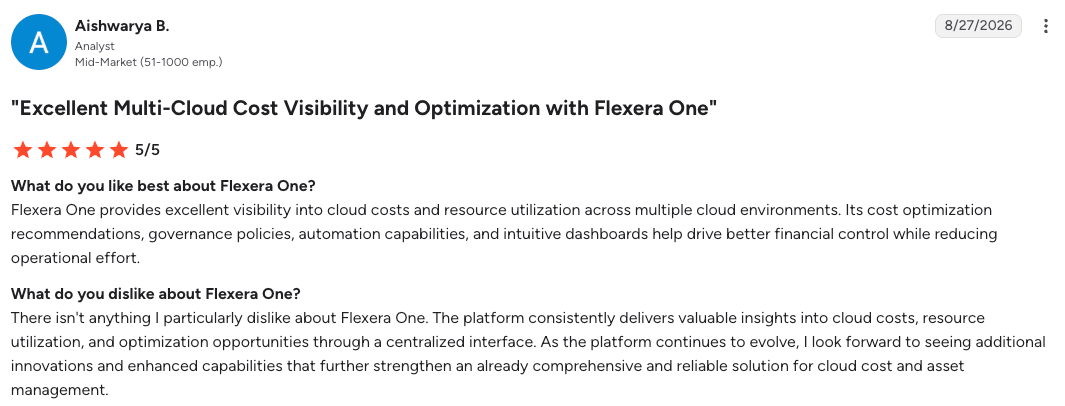
"Flexera One provides excellent visibility into cloud costs and resource utilization across multiple cloud environments." — Aishwarya B., analyst G2
"One area I believe Flexera One could improve is the automation of financial and contractual data in SaaS management." — Viales W., software asset analyst, G2
Pricing
Quote-based and modular, scaled by managed assets and the capabilities purchased, with annual or multi-year terms.
Bottom line
Flexera fits where ITAM and FinOps report to the same leader. Cloud-native shops without a licensing problem are buying scope they will never open.
9. Datadog Cloud Cost Management: Best for tying spend to service telemetry
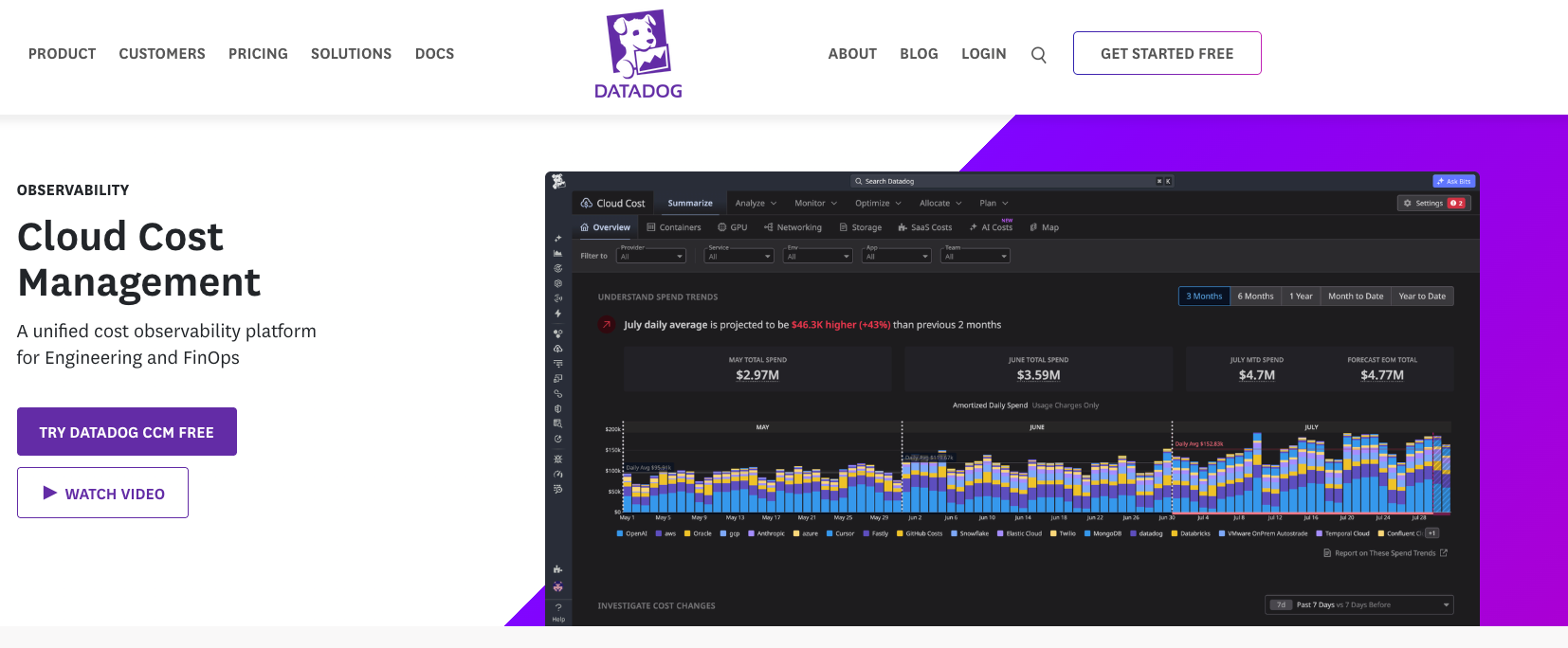
What it does: Datadog Cloud Cost Management ingests cloud and SaaS billing data and presents it beside the utilization metrics for the same resources.
Best for: Engineering groups already running Datadog who want cost as a service-health signal.
Cost data arrives as queryable metrics in the same interface as infrastructure and APM data. When spend moves, the CPU, memory, and request metrics behind the move sit one click away, which shortens root-cause work.
Key features
- Cost as metrics: Cloud cost data becomes a dashboard source and a monitor type with alerting.
- Container allocation: Distributes Kubernetes and ECS cluster cost down to services and workloads.
- Cross-provider ingestion: Covers AWS, Azure, Google Cloud, OCI, and SaaS vendors.
Pros and cons
Pros:
- ✅ Service owners see their own spend without logging into a tool they never open.
- ✅ A spend spike gets explained during the incident, well before it reaches a monthly bill review.
- ✅ Cost regressions page the person who shipped them, on the same route as a latency alert.
Cons:
- ❌ Some container allocation and compute recommendations depend on the Datadog Agent or other Datadog products.
- ❌ Value drops sharply for anyone not already standardized on Datadog.
- ❌ Fees rise with monitored spend, so the cost of visibility grows with the bill.
What users say
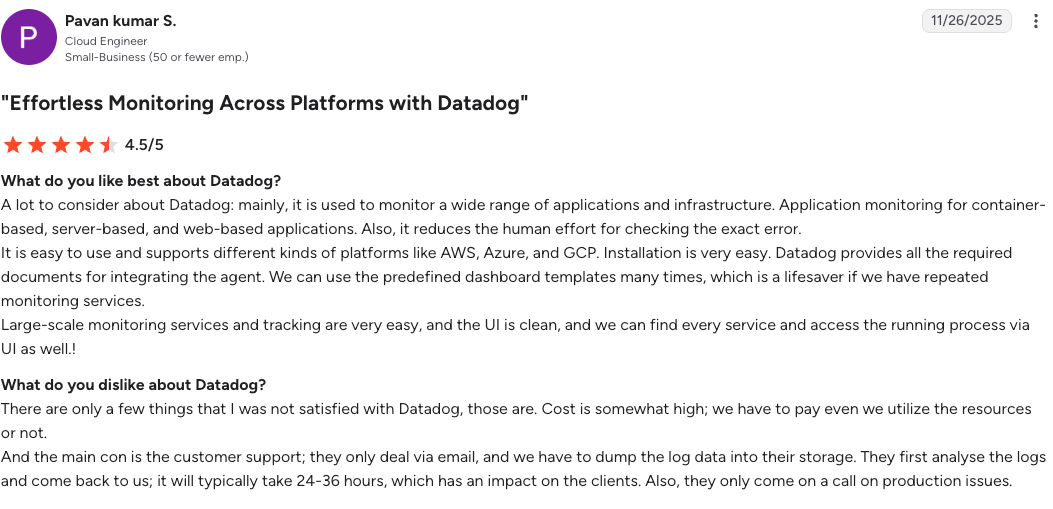
"It is easy to use and supports different kinds of platforms like AWS, Azure, and GCP." — Pavan Kumar S., cloud engineer, G2
"I think Datadog's anomaly detection is quite basic in alerting me." — Zaid K., senior DevOps engineer, G2
Pricing
Priced against the cloud and SaaS spend it monitors, in Pro and Enterprise tiers, with a free tier limited to Datadog's own costs. Confirm current rates on Datadog's pricing page before modeling.
Bottom line
For an existing Datadog customer, this is the shortest path to service owners seeing their own spend. For anyone else, the license you would need first makes it an expensive way to read a bill.
Multi-cloud cost data normalization with FOCUS
For a decade, every provider published billing data in its own shape, and every multi-cloud dashboard contained a private translation layer nobody outside the group that built it trusted. FOCUS, the FinOps Open Cost and Usage Specification, replaces that layer with one schema.
The FOCUS Steering Committee ratified version 1.4 on June 4, 2026, adding two datasets, 47 columns, and six attributes.
The new Invoice Detail and Billing Period datasets let usage reconcile directly against invoices. Another 17 columns describe commitment structures in comparable terms across providers.
Cost history stays queryable in one format even when the platform on top of it changes. That lowers the switching cost that kept buyers with a vendor they had outgrown.
AWS, Microsoft, Google Cloud, and Oracle all publish FOCUS datasets, and they do not publish the same version at the same time. Mixed-version environments are normal, and the conformance validator currently covers 1.3 with 1.4 support arriving later.
Ask a vendor which FOCUS version it ingests, and whether FOCUS is the primary schema inside the product or a formatting option applied on export. The answers tend to differ.
Backup, snapshot, and archive spend
Cost platforms report what was provisioned and what it costs. Backup, snapshot, and archive storage is generated by a retention policy, and cost reports show what a snapshot costs, not whether its retention rule still fits.
Retention policy as a cost input
A billing export reports how many terabytes of snapshot storage exist. It does not report which resources those snapshots protect, whether the retention rule still matches the data class, or whether anything critical has no coverage at all.
Gartner's 2026 Hype Cycle for Backup and Data Protection Technologies observes that cost pressure pushes organizations to cut snapshot frequency and retention, creating recovery point exposure that surfaces only when something is lost.
Gartner also names Eon among the sample vendors in four of its innovation profiles, including IaaS backup and backup data intelligence.
The recovery risk in a storage cut
Eon's 2026 Cloud Data Infrastructure Report found that 63% of respondents keep or protect less data than they should because of storage costs. Separately, 87% said they retain data they don’t need.
Deleting snapshots is easy. The hard part is choosing the ones nobody will need, which takes knowing what each one protects. That is the classification problem CBPM was built to solve.
The same discovery pass answers both questions at once. Coverage shortfalls and redundant retention appear in the same inventory, so reducing cloud backup costs stops depending on which snapshots somebody was willing to delete.
NETGEAR reduced its backup storage costs by 35% with Eon’s storage model and autonomous policy management, with Cost Explorer giving the team visibility into spend.
Choosing a cloud cost management tool for your environment
Two or three platforms working together cover more ground than any single purchase, and the combination depends on where your spend concentrates.
Choose Eon if you:
- Watch snapshot, backup, and archive storage grow with no lever attached.
- Need to know what each protected copy covers before deciding what to delete.
- Need backup spend attributed per resource across AWS, Azure, and Google Cloud, not buried in a storage line.
Choose IBM Cloudability if you:
- Run chargeback across dozens of accounts with finance signing off monthly.
- Need allocation logic that survives an audit conversation.
Choose CloudZero if you:
- Sell software and need margin per customer, per feature, or per model.
- Have incomplete tagging you would rather work around than fix first.
Choose Finout if you:
- Carry heavy Snowflake, Databricks, or Datadog spend beside cloud.
- Need shared infrastructure split across consumers with defensible rules.
Choose Vantage if you:
- Want allocated reporting inside the week.
- Prefer a fixed subscription that does not track your cloud bill upward.
Choose Cast AI if you:
- Run most of your workloads on EKS, GKE, or AKS and want compute optimized automatically.
- Would rather approve policies once than tune autoscaling and instance choices by hand.
Choose Harness Cloud Cost Management if you:
- Want idle non-production resources shut down and commitments managed without manual work.
- Already run delivery pipelines you can attach cost policies to, or are under $250K spend and can start on the free tier.
Choose Flexera One if you:
- Govern software licensing and cloud spend through the same process.
- Still operate significant on-premises or private infrastructure.
Choose Datadog Cloud Cost Management if you:
- Already standardize on Datadog for observability.
- Want cost owned by service owners alongside reliability metrics.
Skip this category entirely if you:
- Spend under a few thousand dollars a month, where console reporting and a budget alert cover it.
- Have one account, one provider, and one owner, where allocation is not a question anyone is asking.
Final verdict
Build the stack in layers. One allocation platform answers who spent the money, and an automation layer acts on the commitments and workloads a human will never get to in time. Cloud cost management gets expensive when a single tool is asked to do both.
The layer that goes missing is the data layer. Teams rightsize compute and manage commitments. Retained data keeps running on a policy nobody has revisited since the day it was written.
Do you know what your backup and snapshot storage is protecting, and what it costs you to keep it? Book a demo and see how Eon classifies every resource and restores a single record without rebuilding the environment around it.
Frequently asked questions
What is cloud cost management?
Cloud cost management is the practice of collecting billing data across cloud providers, allocating that spend to the products and groups responsible for it, and acting on the result. It covers visibility, allocation, forecasting, anomaly detection, and optimization.
What is the best cloud cost management software for multi-cloud environments?
IBM Cloudability and Finout are the strongest multi-cloud choices, for different reasons. Cloudability suits finance-grade chargeback across many accounts, while Finout handles environments where Kubernetes, Snowflake, Databricks, and Datadog make up a large share of spend.
How much do cloud cost management tools cost?
Pricing follows three models. Flat subscriptions run from free up to a few thousand dollars a month, spend-based pricing charges a percentage of monitored cloud spend, and savings-share pricing takes a cut of the reductions produced.
What is the difference between cloud cost management and cloud cost optimization?
The main difference is action. Cloud cost management covers visibility, allocation, and governance, telling you where money went and who owns it. Cloud cost optimization is the work that follows, including rightsizing, commitment buying, and retention changes.
Does FOCUS replace cloud cost management solutions?
No, FOCUS standardizes billing data; it does not analyze it. The specification makes provider exports comparable in one schema, and you still need a platform to allocate, forecast, and act on that data.
How do backup and storage costs fit into cloud cost management?
Backup and snapshot spend appears in billing exports as storage, with no indication of what it protects or why it is retained. Pricing it correctly needs classification and retention context, which Cloud Backup Posture Management supplies.